
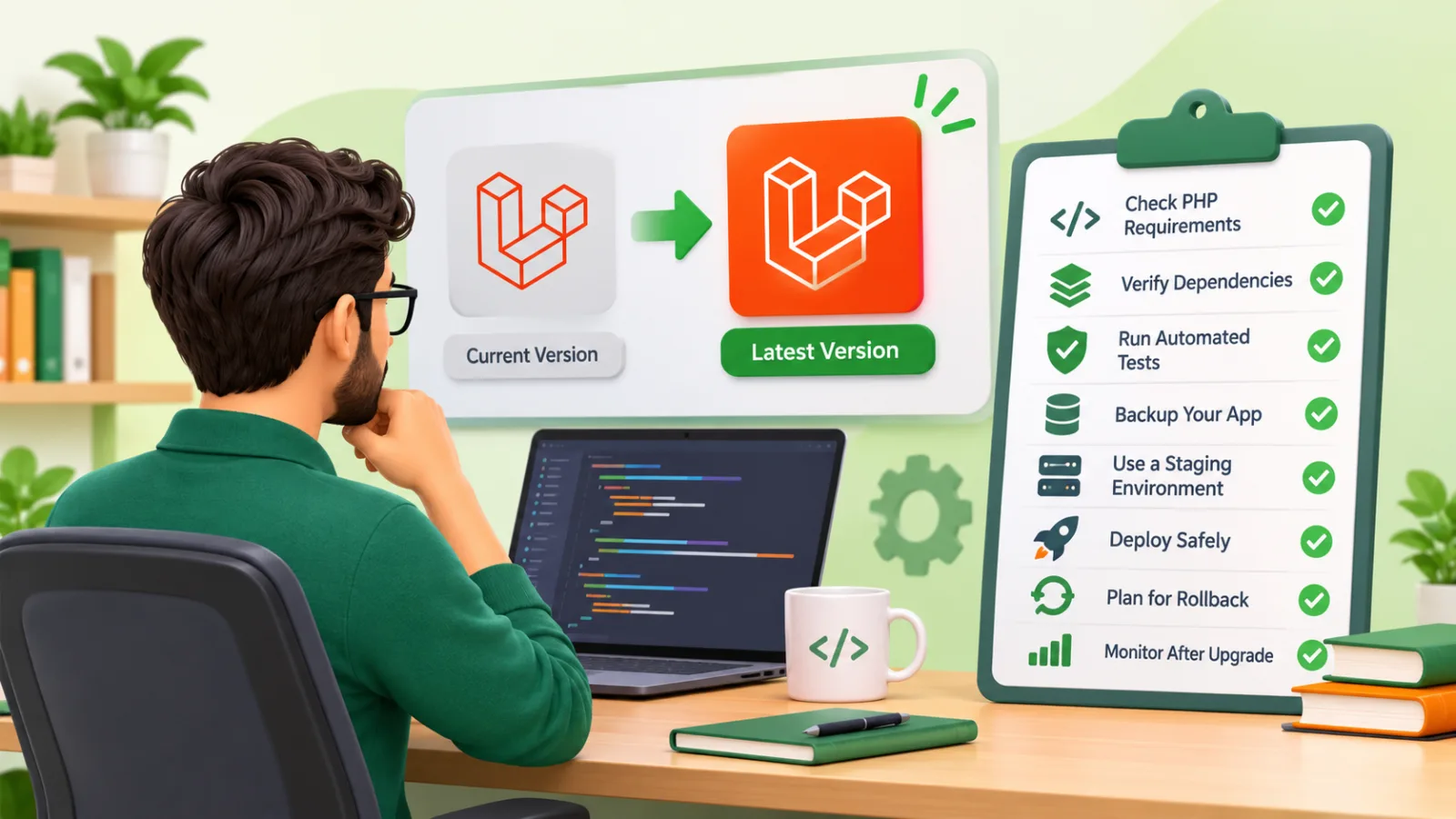
An older Laravel application that still works is easy to ignore. Customers can log in, invoices go out, and nobody wants to touch the system. But the framework, PHP and your packages keep moving, and the longer you wait, the more expensive the catch-up becomes. This Laravel upgrade checklist is written for founders and business owners who need to plan the work, ask the right questions of a development team and avoid an upgrade that turns into an outage.
It does not give a fixed price, because no honest estimate is possible without looking at the code. It does explain what drives effort, what a safe sequence looks like and what you should expect to see at each stage. If you are unsure whether your system needs attention, these signs of a needed technical review are a good starting point.
Why upgrades matter to the business
An upgrade is not cosmetic. The reasons are practical:
- Security. Framework versions and PHP versions eventually stop receiving security fixes. Running unsupported software means known vulnerabilities stay open. Laravel publishes a support policy listing supported versions which versions still get bug and security fixes, and PHP has its own supported-versions schedule.
- Hosting and compliance. Hosting providers retire old PHP versions. Customers, auditors or payment partners may ask what you run.
- Hiring and speed. Developers prefer current tooling. Old codebases are slower to change and harder to staff.
- Package ecosystem. New releases of the libraries you depend on increasingly require newer PHP and framework versions. Staying behind eventually blocks you from adopting them.
The cost of delay is compounding. Upgrading one major version is usually a contained project. Upgrading across several at once means stacking the breaking changes of each release, often with abandoned packages in the mix. Budgeting for this is part of software maintenance costs after launch.
Step one: audit before you promise a date
Before anyone commits to a timeline, the team should spend a short, bounded period on discovery. The output is a written picture of where you are and where you are going.
Take an inventory
- The current Laravel version and PHP version, in production and in development.
- Every Composer dependency, with its current version and whether it is still maintained.
- Front-end build tooling, such as Laravel Mix or Vite, and any JavaScript packages tied to it.
- Server details: operating system, web server, database engine and version, queue driver, cache driver, scheduler setup.
- Third-party integrations: payment gateways, email services, APIs, webhooks.
- Custom code that touches framework internals, such as overridden core classes, custom service providers or macros.
Choose the target version
In most cases the target is the latest version that is currently supported, though your constraints may point elsewhere. If you are several major versions behind, the sensible path is to move one major version at a time, running the application and its tests after each step. Laravel publishes an official Laravel upgrade guide for every major release listing breaking changes and their estimated impact. Your team should read the guide for each version you will pass through, rather than relying on memory of earlier upgrades.
Do not rely on blog posts, including this one, for exact version requirements. Confirm them against the official Laravel documentation and the release notes for the specific version you are targeting.
A practical Laravel upgrade checklist
Here is the condensed version. The sections after it explain each item.
- Document the current state: Laravel, PHP, database, packages, hosting.
- Read the official upgrade guide for each major version in the path.
- Check the PHP version required by the target Laravel version and by every package.
- Audit Composer dependencies for compatibility and maintenance status.
- Measure existing test coverage and add tests around critical business flows.
- Take verified backups of the database, uploaded files and configuration.
- Build a staging environment that mirrors production.
- Upgrade on a separate branch, one major version at a time.
- Run automated tests, static analysis and manual checks on staging.
- Plan the deployment: timing, maintenance mode, migrations, queue handling.
- Write and rehearse a rollback plan.
- Deploy, then monitor errors, performance, queues and business metrics.
- Clean up: remove temporary compatibility code, update documentation, schedule the next review.
PHP requirements
Each major Laravel release sets a minimum PHP version. For example, recent releases such as Laravel 11 require PHP 8.2 or higher. Because that floor changes between releases, always check the installation documentation and upgrade guide for the exact version you are targeting.
The PHP upgrade is often the real work. Moving between PHP versions can surface deprecated functions, stricter type handling, changed defaults and removed extensions; the PHP migration guides list these changes. Two practical points:
- Separate the changes where possible. If your application can run on a newer PHP version while still on the old Laravel version, upgrade PHP first. Fewer variables change at once, so problems are easier to trace. This is not always possible, since older Laravel versions only support certain PHP ranges, so you may need to alternate between the two.
- Check PHP extensions. Image processing, PDF generation, database drivers and caching extensions must exist for the new PHP version on your servers.
Also confirm that your hosting plan or server image can run the required PHP version. If you are on shared hosting that cannot, the upgrade project includes a hosting change, and that should be in the plan from day one.
Dependency compatibility
Packages are where most surprises hide. A Laravel upgrade can be blocked by a single abandoned library.
Sort packages into groups
- Already compatible. The maintainer supports the target Laravel and PHP versions. Update and move on.
- Needs a newer major version. The package has a release for your target, but its own API changed. Budget time to adapt your code.
- Unmaintained. No release supports your target. Options include replacing it with a maintained alternative, forking it, or rewriting the small part of it you actually use.
- No longer needed. Older projects often carry packages whose features are now in the framework or in PHP itself. Removing them reduces risk.
Composer helps here. Commands such as composer outdated and composer why-not show what is behind and which constraints block an update, as explained in the Composer documentation. Running the update on a branch, not on the live codebase, keeps experimentation safe.
First-party Laravel packages, such as Sanctum, Passport, Horizon or Cashier, have their own upgrade guides and may need to be upgraded together with the framework. Check each one you use.
Also consider your front end. If you build assets with an older toolchain, the upgrade is a good moment to evaluate whether it needs modernizing, but treat that as a separate piece of work unless it blocks you. Mixing a framework upgrade with a front-end redesign is a common cause of overruns.
Automated tests: your safety net
Tests turn an upgrade from a leap of faith into a measurable process. If the application has a decent suite, the team can upgrade, run the tests and see what broke. If it has none, the first task is to create some.
You do not need full coverage before starting. Focus on the flows that would hurt the business if they failed:
- Sign-up, login, password reset and user roles and permissions.
- Checkout, billing, invoicing and refunds.
- Core workflows specific to your product, such as order processing or booking.
- Scheduled jobs and queued jobs that move money, send customer email or sync data.
- Key integrations, tested against fakes or sandbox accounts, as covered in this API integration project checklist.
- Reports and exports that people rely on.
Feature tests that exercise HTTP routes and database effects usually deliver more protection per hour than isolated unit tests in a legacy codebase; see the Laravel testing documentation. Add static analysis, for example with a tool like Larastan, and automated code style or refactoring tools where they help. Rector, for instance, can apply many mechanical code changes, though its output should always be reviewed.
Tests do not catch everything. Visual issues, odd data in old records and performance regressions often slip through, which is why staging and manual checks still matter.
Backups: assume something will go wrong
A backup you have never restored is a hope, not a backup. Before the upgrade touches production, confirm the following:
- Database backup. A full dump or snapshot taken immediately before deployment, in addition to your regular schedule.
- File storage. User uploads, generated documents and anything stored outside the repository.
- Configuration. Environment files, server configuration, cron entries, queue worker and supervisor settings.
- Code. A tagged release of the currently running version in version control, so you can redeploy it exactly.
- Restore test. Actually restore the database backup into a separate environment and check that the application can read it.
Be aware that database migrations in the new version may alter data or schema. That is the point where a code rollback alone may not be enough, so know how long your backup takes to restore and what data would be lost between the snapshot and the moment you decide to revert.
Staging: rehearse with realistic conditions
A useful staging environment resembles production in the ways that matter: same PHP version and extensions, same database engine and version, same queue and cache drivers, same web server behavior. Differences here are the usual reason an upgrade passes in testing and fails in production.
Populate staging with a recent copy of production data, anonymized or masked if it contains personal information. Old records often reveal problems that clean test data does not, such as unusual characters, null values in columns assumed to be filled, or serialized data in an old format.
On staging, the team should:
- Run the full automated test suite.
- Run database migrations against production-sized data and note how long they take.
- Walk through critical user journeys manually, including with different user roles.
- Trigger scheduled tasks and process queued jobs.
- Test emails, file uploads, PDF generation and payment sandbox flows.
- Compare page load times and queue throughput with the current system, using ideas from this Laravel performance guide.
Ask a non-developer from your team, perhaps someone from support or operations, to try their normal daily tasks. They notice things developers do not.
Deployment: plan the release as its own task
Many upgrade problems come from the release, not the code. Write the deployment plan down and decide ahead of time:
- Timing. Choose a low-traffic window, with the right people available afterward, not just during. Avoid Friday evenings and peak business periods.
- Freeze. Pause unrelated feature releases for the period around the upgrade so that any problem has one likely cause.
- Maintenance mode. Decide whether you need it. If migrations are slow or change data structures, a short planned downtime is often safer than running old and new code against a changing schema.
- Dependencies on the server. Installing the new PHP version, extensions and Composer packages should happen in a predictable, scripted way.
- Queues and scheduler. Workers running old code against a new version can cause odd failures. Stop workers, let current jobs finish where feasible, then restart them after deployment. Clear and rebuild caches for config, routes and views.
- Order of steps. Write them as a numbered runbook: backup, maintenance mode, deploy code, install dependencies, migrate, clear caches, restart workers, smoke test, lift maintenance mode.
If your infrastructure allows it, a blue-green or similar approach, where the new version runs alongside the old and traffic is switched over, reduces downtime and makes reverting faster. It requires more setup, so weigh it against the size of the application and the cost of downtime to your business. Our software development process treats the release as its own task.
Rollback: decide the exit before you enter
A rollback plan answers one question: if the release is bad, how do we get back to a working system, and who decides?
Define it before deployment:
- Trigger criteria. For example, failing checkout, widespread errors, or a broken integration that cannot be fixed within an agreed time window. Setting these in advance avoids debating while under pressure.
- Decision owner. One named person who can call the rollback.
- Code rollback. Redeploy the tagged previous release and the previous dependency lock file. Keep the old PHP version available on the server until you are confident, if the setup allows it.
- Data rollback. This is the hard part. If migrations were additive, such as new nullable columns, the old code may run fine on the new schema. If migrations were destructive or transformed data, you may need to restore from backup, which means losing writes made after the release. Where possible, write migrations so the previous version of the application can still operate.
- Rehearsal. Practice the rollback on staging at least once, so the steps are proven and timed.
Rolling forward, meaning fixing the issue quickly in the new version, is sometimes the better option. Decide which situations call for which response, and do not leave it to improvisation.
Post-release monitoring
Deployment is not the finish line. The first hours and days after release are when remaining issues show up, especially those that only appear with real traffic and real data.
Make sure the following are in place and being watched:
- Error tracking. Exception logs and an alerting tool, with notifications sent to people who will act on them.
- Performance. Response times, slow database queries and memory usage compared with your pre-upgrade baseline. Laravel tools such as Telescope or Pulse, or external monitoring, can help.
- Queues and scheduled jobs. Failed jobs, growing backlogs and tasks that stopped running.
- Business metrics. Orders, sign-ups, payment success rates, email delivery. A silent drop here can reveal a bug that no error log shows.
- Support channel. Tell your customer-facing team what changed so they can flag unusual reports quickly.
Keep the team on heightened alert for a defined period, then hold a short review. Record what went well, what was harder than expected and what to do differently at the next upgrade.
Factors that affect effort
No two upgrades cost the same. These are the main variables a developer will consider when estimating:
- Distance between versions. One major version is very different from four. Each skipped release adds its own breaking changes.
- PHP gap. A large jump in PHP version can require code changes unrelated to Laravel itself.
- Dependency health. Abandoned or heavily customized packages are the biggest source of unpredictable work.
- Test coverage. Good tests shorten the upgrade. No tests means building them first or accepting more manual verification and more risk.
- Code quality and conventions. Applications that follow framework conventions upgrade more easily than ones that bypass or modify core behavior.
- Size and complexity. The number of features, integrations, user roles and background jobs all increase testing needs.
- Infrastructure. Whether hosting needs to change, whether you have a real staging environment, and whether deployment is automated.
- Data volume and history. Large tables make migrations slower and old data more likely to contain surprises.
- Front-end stack. Outdated build tools or JavaScript dependencies can add a parallel workstream.
- Downtime tolerance. A business that cannot afford any downtime needs more elaborate release and rollback arrangements.
- Documentation and team knowledge. If the original developers are gone and nothing is written down, discovery takes longer. A Laravel project handover checklist helps here.
A responsible estimate comes after the audit, and it should be presented as a range with stated assumptions and clear risks, such as which packages are uncertain. See how to estimate a software project and Laravel development cost for more. Be cautious of any quote given without anyone having looked at the codebase.
Questions to ask your development partner
- Which Laravel and PHP versions are we on, and what is the target?
- Which dependencies are risky, and what are the alternatives?
- How much of the critical functionality is covered by automated tests?
- What does the staging environment look like, and how closely does it match production?
- What is the rollback plan, and has it been rehearsed?
- What will be monitored after release, and for how long?
- What is deliberately out of scope, so it does not creep in?
If you need extra hands, you can hire Laravel developers or read how to hire a Laravel developer first.
Conclusion
A Laravel upgrade is manageable when it is treated as a planned project: audit first, protect yourself with tests and backups, rehearse on staging, deploy with a written runbook, keep a tested way back and watch the system closely afterward. The checklist above works whether your application is one version behind or several.
If you have an older Laravel application and are unsure where to begin, the RuhaniSoft team can review your codebase, flag the risks and propose an upgrade plan with clear assumptions. Explore our Laravel and PHP development services or get in touch to talk through your situation.