
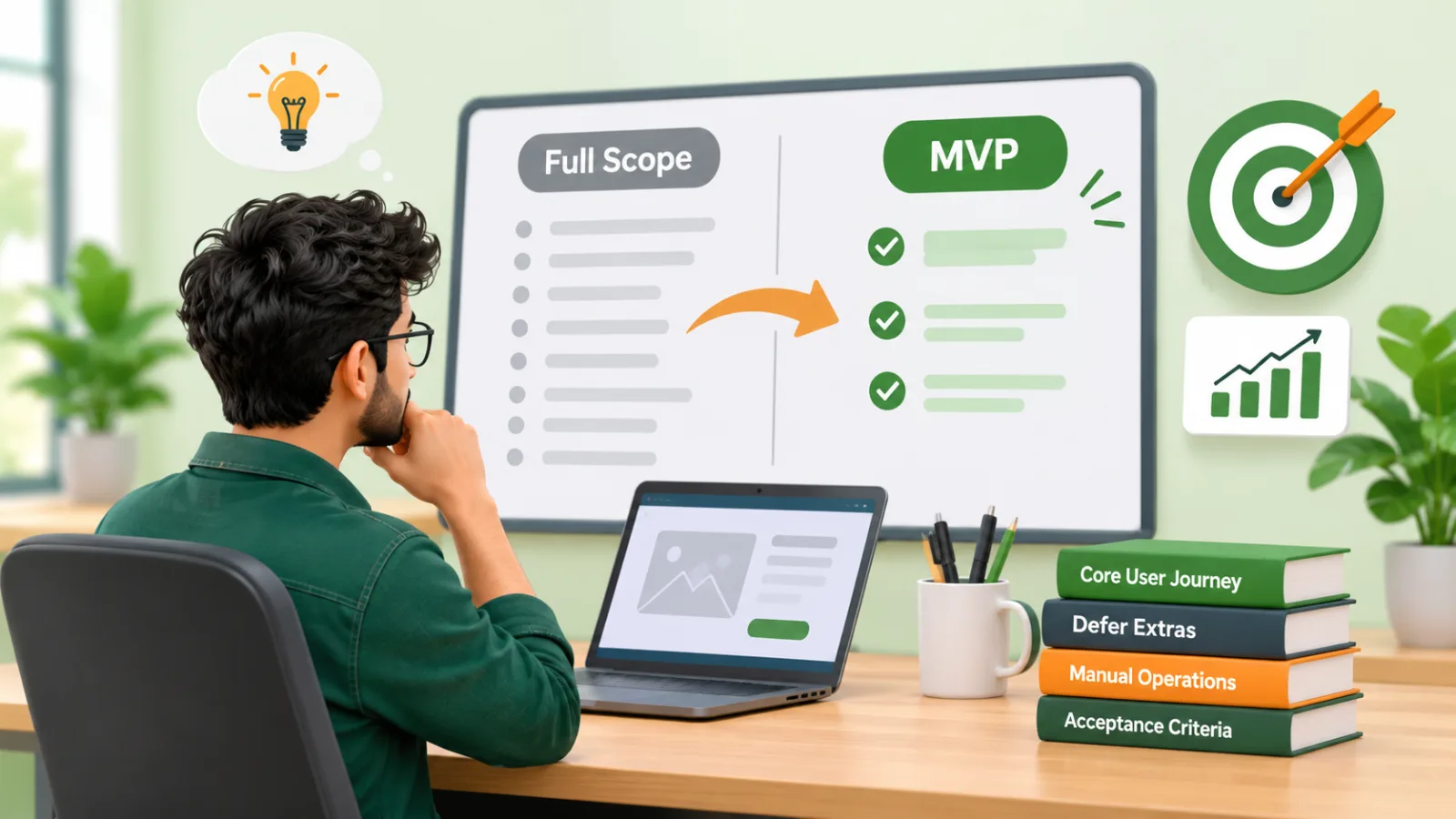
Almost every founder we talk to starts with a feature list that is too long for a first release. Knowing how to reduce MVP scope without gutting the idea is one of the most valuable skills you can build before development begins. Cut too little and you burn budget and time on guesses. Cut the wrong things and you launch something that cannot test your core assumption. This guide gives you a practical method: find the main user journey, defer what is secondary, run some operations by hand, and define acceptance criteria you can actually check.
If you want the broader picture first, our guide on what an MVP is covers the basics. For budget questions, we keep the numbers in our MVP cost guide so this article can stay focused on scope decisions.
Why MVP scope grows, and why it matters
Scope rarely grows because of one big decision. It grows through dozens of small, reasonable requests: a dashboard here, a second user role there, an admin panel that does everything. Each one sounds cheap on its own. Together they push a first release from weeks to months.
Common causes include:
- Fear of looking unfinished. Founders compare their first release with mature competitors that have years of features behind them.
- Unclear purpose. If the MVP has no single question to answer, every feature feels equally important.
- Stakeholder wish lists. Partners, investors and early customers each add one "must-have".
- Building for scale too early. Planning for thousands of users before you have ten.
Research on failed projects points repeatedly to unclear requirements and uncontrolled scope. We cover these patterns in why software projects fail. The fix starts before anyone writes code.
Start with the one question your MVP must answer
An MVP is a learning tool. Before you cut anything, write one sentence in this form:
We believe [specific user] will [take a specific action] because [reason], and we will know this is true when [measurable result].
This is your purpose statement. Every feature will be tested against it. If a feature does not help a user take that action, or help you measure whether they did, it is a candidate for deferral.
Be honest about what you are testing. Typical MVP questions include:
- Will people pay for this at all?
- Can we deliver the service reliably at small scale?
- Will users change their current habit or tool to use ours?
Each question implies a different minimum product. The MVP versus full product comparison is a useful companion here.
How to reduce MVP scope by mapping the core user journey
The most reliable way to cut scope is to describe one user, one goal and the shortest path between them. Everything on that path stays. Everything else is questioned.
Step 1: Pick one primary user
Most products have several user types: customers, admins, managers, support staff. Choose the one whose success proves your idea. A marketplace might have buyers and sellers, but one side usually carries more risk. Start with that side and serve the other manually or minimally. If you later need to formalize access levels, our guide to planning user roles and permissions will help.
Step 2: Write the journey as plain steps
List the steps from first contact to the moment the user gets value. For a hypothetical booking product, that might be: find a time slot, enter details, confirm, receive a reminder. Aim for five to eight steps. If you have twenty, you are describing a full product.
Step 3: Mark each step as essential, supportive or optional
- Essential: the journey breaks without it.
- Supportive: it improves the experience but the journey still works.
- Optional: it serves edge cases or future goals.
Build essential steps properly. Simplify supportive ones. Defer optional ones.
Step 4: Check the journey on paper
Sketch the screens or use a simple clickable prototype and walk a real potential user through them. Gaps and unnecessary screens show up quickly. If a requirements document would help you capture this, see our simple requirements template.
Defer secondary features without losing them
Deferring is not deleting. It means moving a feature to a clearly labelled later release with a reason and a trigger for revisiting it.
Features that are usually safe to defer
- Advanced reporting and analytics. Start with a few key numbers, or export data and analyze it in a spreadsheet.
- Multiple roles and complex permissions. One admin and one user type is often enough.
- Social login, profile customization and settings pages. Convenience, not core value.
- Native apps on every platform. A responsive web app may test the idea faster. Our comparison of a web, mobile or desktop app explains the trade-offs.
- Deep third-party integrations. Keep the one that is essential and postpone the rest. The API integration checklist shows how much hidden work each one carries.
- Automated notifications for every event. Start with the one or two that drive the journey.
Features that are risky to defer
- Authentication and basic data protection. Review the OWASP Top Ten risks even for a small release.
- Payment handling, if payment is what you are validating.
- Anything that makes the core journey unreliable or confusing.
- Basic accessibility. The W3C WCAG overview is a good reference.
Keep a deferred backlog
For each deferred item, note the user need, the reason it was deferred and the signal that would bring it back, such as "five customers ask for this in the first month". That turns deferral into a decision rather than a loss. After launch, prioritizing fixes and feedback becomes much easier with this list in hand.
Use manual operations temporarily
Some of the biggest scope savings come from doing things by hand at first. Sometimes called a "concierge" or "Wizard of Oz" approach, it means the user sees a working product while a person does the work behind the scenes.
Where manual works well
- Approvals and reviews. A team member checks submissions in a simple admin list instead of building rules.
- Matching and recommendations. You match people yourself before building an algorithm.
- Invoicing and payouts. Send invoices from your existing tools at first. If you want to see how a focused invoicing workflow looks, our freelance invoicing workflow is a useful example.
- Data import. Load records from a spreadsheet yourself. See our spreadsheet migration plan for a careful approach.
- Customer support. Email and a shared inbox before ticketing software.
Where manual does not work
Do not go manual where the task needs to happen instantly, where errors carry legal or financial risk, or where volume will overwhelm you within weeks. Also be clear about how long the manual process lasts. Set a limit, for example "we automate this when it takes more than five hours a week".
Manual operations also teach you what to automate. If you later explore workflow automation, you will build from observed behavior rather than assumptions.
Define measurable acceptance criteria
A smaller scope only helps if everyone agrees what "done" means. Acceptance criteria turn each feature into something testable, and they protect against both under-delivery and scope creep.
What good criteria look like
- Specific: describes a user action and an observable result.
- Testable: someone who did not build it can verify it.
- Limited: states what is not included.
A weak criterion: "Users can book appointments easily." A stronger one: "A signed-in user can select an available slot, confirm it, and receive an email confirmation within two minutes. Cancellation and rescheduling are out of scope for this release."
Two kinds of criteria
- Functional criteria describe what the product does in the core journey.
- Learning criteria describe what you need to observe after launch, such as how many test users complete the journey, or how many return in a second week. Set the targets yourself based on your market and budget rather than copying someone else"s benchmarks.
For worked examples, see our dedicated article on MVP acceptance criteria. Also agree on basic non-functional expectations, such as supported browsers and acceptable page speed. The Core Web Vitals guidance from Google is a sensible starting reference.
A hypothetical example: a home-service booking MVP
Hypothetical example for illustration only. It does not describe a real client or real results.
A founder wants to launch a platform where homeowners book vetted cleaners. The initial wish list includes: customer accounts, cleaner profiles with reviews, in-app chat, online payments, a cleaner mobile app, subscription plans, a loyalty program, an admin analytics dashboard and automated cleaner scheduling.
Purpose statement
"We believe homeowners in one neighborhood will book and pay for a cleaning through a simple web form, because finding reliable cleaners is hard, and we will know this is true when repeat bookings appear within the first test period."
Core journey
- Visitor enters address and chooses a date.
- Visitor selects a cleaning type.
- Visitor pays or confirms the booking.
- Visitor receives confirmation.
- Cleaner completes the job and the customer is asked for feedback.
Resulting scope
- Build: a responsive booking form, payment, confirmation email, a simple admin list of bookings.
- Manual: the founder assigns cleaners by phone or message, sends feedback requests by email, and vets cleaners offline.
- Defer: cleaner app, chat, subscriptions, loyalty program, analytics dashboard, automated scheduling and public reviews.
Acceptance criteria sample
- A customer can complete a booking from the form to confirmation without help.
- The admin list shows each booking with date, address, type and payment status.
- A failed payment shows a clear message and does not create a confirmed booking.
- Out of scope: rescheduling, refunds in the app, cleaner logins.
The result is a product that can test demand in weeks of effort rather than a long build, with a clear list of what to add if bookings repeat.
Feature-priority worksheet
Use this worksheet in a planning session with your team or development partner. Copy it into a spreadsheet and fill in one row per feature.
Columns
- Feature name: a short, plain label.
- User and journey step: which user needs it, and at which step.
- Supports the purpose statement? Yes, partly or no.
- Journey breaks without it? Yes or no.
- Can it be manual for now? Yes or no, and how.
- Risk if missing: low, medium or high (legal, security, trust, revenue).
- Rough effort: small, medium or large, agreed with your developers.
- Decision: Build now, Simplify, Manual, or Defer.
- Acceptance criterion or revisit trigger: a testable sentence, or the signal that brings it back.
How to score
- If the journey breaks without it and it supports the purpose: Build now.
- If it supports the purpose but a lighter version works: Simplify.
- If it can be done by a person at low volume: Manual.
- Everything else: Defer.
Tie-break questions
- Would a first user notice if this were missing?
- Would we change our decision after launch based on what this feature tells us?
- Is this here because users need it or because we feel nervous?
Review the sheet with your technical partner. Effort estimates are rough by nature, and our guide on estimating a software project explains why ranges are more honest than single numbers.
Common mistakes when cutting scope
- Cutting the quality of the core journey. Small does not mean sloppy. The essential path must work reliably.
- Removing measurement. Without basic tracking or a way to count usage, you cannot learn anything.
- Hiding the cuts. Tell early users what the product does and does not do yet.
- Choosing technology for a distant future. A solid framework such as Laravel lets you start lean and grow, so you need not build everything on day one. If you are weighing options, see Laravel versus Node.js, and the official Laravel documentation shows what the framework already provides.
- Ignoring maintenance. Even a small release needs hosting, fixes and updates. See software maintenance costs.
Working with a development partner on scope
A good partner will challenge your list rather than just quote it. Expect questions about users, the purpose statement and what can be manual. Look for a team that proposes phases, writes acceptance criteria with you and is open about trade-offs. Our checklist for choosing a software company covers what to ask.
Where relevant, ask how the process works. Our development process starts with discovery precisely so that scope is settled before build work begins. You can also see how we support startups and founders and the specifics of our MVP development service. If your product is a first web app, our custom software work shows the wider range, and our cost guides help you plan budgets alongside scope.
Some products also need extra care in the first release because of the domain. A clinic booking system or a client portal have their own must-haves, and it helps to learn them early. If the idea involves smart features, our AI development services page explains where AI fits and where it can wait. For lean-development principles in general, the Atlassian MVP overview and the Agile Alliance MVP glossary entry are helpful references, and the Agile Manifesto is worth a read for its emphasis on working software and responding to change.
A short pre-development checklist
- Write your purpose statement in one sentence.
- Choose one primary user.
- Map the journey in five to eight steps.
- Complete the priority worksheet and label every feature.
- Identify at least two tasks you will do manually.
- Write acceptance criteria for every Build now item, including what is out of scope.
- Set learning criteria and the date you will review them.
- Keep the deferred backlog with revisit triggers.
Conclusion
Learning how to reduce MVP scope is mostly about discipline: protect one user journey, move everything else into a deliberate backlog, use people instead of code where volume is low, and write down what done means. The result is a faster, cheaper and more informative first release, not a lesser one.
If you would like a second opinion on your feature list, the RuhaniSoft team is happy to help you shape it. Get in touch about your project and we will talk through your users, your journey and the smallest release that can prove your idea.