


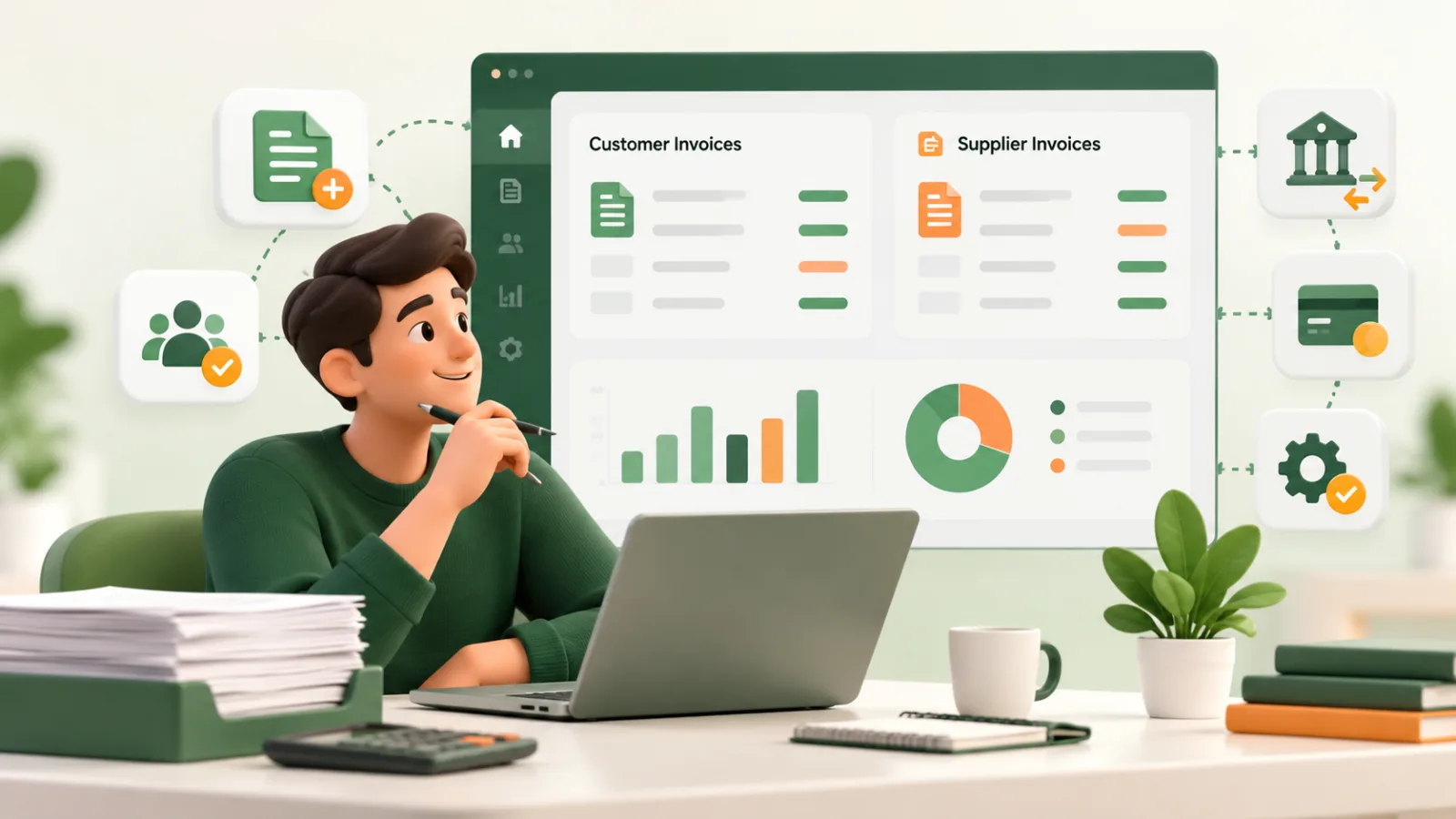
The best invoice management software depends on which side of the invoice your business handles. A freelancer sending invoices needs different tools from a finance team reviewing supplier bills, approving purchases, and arranging payments.
Before comparing features, answer one question: Are you managing money customers owe you, bills your business needs to pay, or both?
This guide compares five options by their intended workflow: Dueping, SAP Concur, BILL, Zoho Books, and Tipalti. It also explains how to evaluate automation, integrations, payment records, and implementation requirements.
Disclosure: Dueping is a RuhaniSoft product. This comparison uses publicly described capabilities rather than independent performance testing. Confirm current features, regional availability, and commercial terms with each provider.
Invoice management software: accounts payable versus customer invoicing
Invoice management can describe two different processes.
Customer invoicing, part of accounts receivable, involves creating invoices, sending them to clients, recording received payments, and following up on outstanding balances.
Accounts payable, or AP, involves handling invoices your business receives from suppliers. This can include checking purchase orders, routing approvals, arranging payments, and updating accounting records.
A business may need both. However, a customer invoicing tool should not be evaluated as if it automatically provides supplier approval controls or purchase-order matching.
If your immediate problem is keeping customer balances accurate, begin with our invoice tracking software guide. If the difficulty is a process spread across several systems, review the business workflow automation guide.
Invoice management software comparison at a glance
| Software | Workflow to investigate | Questions to confirm before choosing |
|---|---|---|
| Dueping | Customer invoices, payment records, and reminders for freelancers and small businesses | Does its invoicing workflow meet your needs without a wider accounting system? |
| SAP Concur Invoice | Supplier invoice processing within a broader spend-management environment | How will approvals, purchasing information, and existing financial systems connect? |
| BILL | Accounts payable automation, approvals, payments, and accounting synchronization | Which integrations, payment options, and approval capabilities apply to your organization? |
| Zoho Books | Invoicing within a broader accounting platform | Which regional edition, plan, and accounting features match your requirements? |
| Tipalti | Supplier onboarding, invoice processing, approvals, and global payments | What implementation, entity, payment, and integration requirements need to be addressed? |
These are different starting points, not a universal ranking. Build your shortlist around the transaction you need to complete.
1. Dueping: consider it for customer invoicing and follow-up
Dueping by RuhaniSoft brings customer details, invoices, reusable services, payment records, and reminder scheduling into one workspace.
Its customer invoicing workflow includes PDF downloads, share links, and recording full or partial payments. Recording a payment updates the outstanding balance; it does not automatically charge the customer.
For a practical walkthrough, read our freelance invoicing workflow. Check Dueping pricing and availability before planning usage.
When to investigate another category
If the main requirement is processing supplier bills, matching purchases, or operating a complete accounting ledger, evaluate those capabilities separately.
Choosing a focused invoicing workspace can simplify customer billing, but it should follow your actual requirements.
2. SAP Concur Invoice: investigate connected supplier invoice management
SAP Concur Invoice focuses on accounts payable automation and supplier invoice processing. It is relevant to teams evaluating invoice capture, approval workflows, and connections with financial systems.
When reviewing it, prepare a real supplier invoice journey:
- How does the invoice arrive?
- What purchasing information must be checked?
- Who approves it?
- What happens when information does not match?
- How does the result reach the accounting system?
Request a demonstration using that journey rather than relying entirely on a feature presentation.
3. BILL: investigate approvals, bill payments, and accounting connections
BILL accounts payable describes invoice capture, approval routing, payment processing, and accounting software synchronization.
For a business comparing AP automation software, useful evaluation questions include:
- Can the proposed configuration represent your approval responsibilities?
- Which accounting data moves between systems?
- How are rejected or incomplete invoices handled?
- Which payment methods are available for your business?
- What fees sit outside the subscription?
Confirm the applicable plan and integration requirements before treating a capability as included.
4. Zoho Books: investigate invoicing alongside accounting
Zoho Books combines invoicing with broader accounting functions, including bills, banking, expenses, and reporting.
This makes it worth investigating when the business wants invoice management within its accounting workflow rather than as a separate application.
Review the edition available in your country. Features, payment connections, tax-related functions, and commercial terms can depend on region and plan.
Involve the person responsible for bookkeeping in the evaluation. An invoice workflow that looks straightforward to the sales team still needs to fit how financial records are maintained.
5. Tipalti: investigate supplier operations and global payments
Tipalti AP automation describes supplier onboarding, invoice processing, approvals, global payments, and reconciliation capabilities.
For organizations evaluating these workflows, the demonstration should include exceptions as well as successful transactions.
Ask how the proposed setup handles incomplete supplier information, approval changes, payment failures, and synchronization problems. Also establish who owns implementation and ongoing administration.
A broad capability list becomes useful when it maps clearly to your suppliers, entities, systems, and operating responsibilities.
What should you look for in invoice management software?
Start with a written requirements list. Separate essential capabilities from convenient additions.
Our software requirements document guide provides a structure you can adapt before speaking with vendors.
Accurate invoice records
For customer billing, check whether you can distinguish the original invoice total from the current outstanding balance.
For supplier invoices, investigate how information is captured, corrected, and reviewed before approval.
In either case, ask what happens when a record changes after someone has already acted on it.
Automation that handles exceptions
Invoice automation software should be evaluated around specific tasks: assigning an approval, scheduling a reminder, checking information, or updating another system.
Then test the exceptions.
What happens when the contact is wrong, a payment has already arrived, or an integration is unavailable?
Our guide to automated invoice reminders for small businesses explains why accurate records and human review remain important around scheduled communication.
Clear communication
For customer invoices, the document and delivery message should make the reference, amount, due date, and next action understandable.
Use our invoice reminder email templates when preparing examples for your evaluation.
For internal approvals, confirm that the reviewer can see the supporting information needed to make a decision.
Useful integrations
An integration name alone does not explain how the connection works.
Ask:
- Which system owns customer or supplier details?
- Which fields move between systems?
- Is the connection one-way or bidirectional?
- How are duplicates prevented?
- What happens after a failed update?
- Who investigates unresolved errors?
These questions help distinguish a dependable handoff from another process that needs regular manual correction.
Access and accountability
Confirm who can create records, change payment details, approve transactions, and view sensitive information.
Ask whether the application records important changes and whether that history is usable by the people responsible for review.
Match these controls to your business responsibilities rather than assuming every user needs the same access.
Compare the complete cost of implementation
A subscription price is only one part of the decision.
Your comparison should also account for:
- Initial setup and configuration.
- Data cleanup and migration.
- Integration work.
- Training and internal administration.
- Additional users, entities, modules, or usage.
- Payment and transaction charges.
- Ongoing support.
- Exporting data if you later change systems.
Use the same assumptions for every option. Otherwise, a lower starting price can conceal work included elsewhere.
If custom integration or development is involved, our software project estimation guide explains how to review scope, exclusions, and uncertainty.
When does custom invoice management software make sense?
Consider custom development when an important workflow remains unsupported after reviewing standard configuration and integration options.
Examples might include a specialized approval process, a customer portal connected to internal operations, or a billing workflow spanning several existing systems.
First, identify the exact gap. Then compare three routes:
- Configure the existing product.
- Connect suitable products through an integration.
- Build the missing workflow.
Our custom software versus off-the-shelf guide explains that decision. The custom software development page and development cost guide provide further planning context.
A practical checklist before choosing
Before committing, demonstrate representative cases:
- A normal invoice.
- An invoice with missing or incorrect information.
- A partial payment, where relevant.
- An overdue balance or delayed approval.
- A changed billing contact.
- A failed integration.
- An exported record needed outside the application.
Record what worked, what required manual intervention, and what remains unconfirmed.
Then agree who will maintain the configuration and review exceptions after launch.
Frequently asked questions
What is the best invoice management software for a small business?
The answer depends on the workflow. Customer invoicing, supplier bill processing, and full accounting are different requirements. Shortlist tools that support your essential tasks, then test representative records before choosing.
Is an invoice generator enough?
It can be enough when you only need an occasional PDF. If you also need saved clients, payment history, or scheduled follow-up, evaluate an ongoing workspace.
Our free invoice generator tutorial explains that distinction.
Does recording a payment mean the software collected it?
Not necessarily. Some tools record money received elsewhere; others offer payment-related services. Confirm whether a feature records a transaction, initiates a payment, or reconciles information from another provider.
Will invoice automation eliminate manual review?
Automation can handle defined steps, but exceptions still need ownership. Check how the proposed system deals with incorrect information, customer questions, disputed amounts, and failed connections.
Choose around the work your business needs to complete
A useful invoice management software comparison starts with the invoice journey and ends with evidence that the selected system can support it.
For customer billing, explore Dueping and the related invoicing guides. For a workflow that needs integration or custom development, discuss the requirement with RuhaniSoft.
Bring a representative invoice, the systems involved, and the problem you can demonstrate. That gives the discussion a practical starting point.