


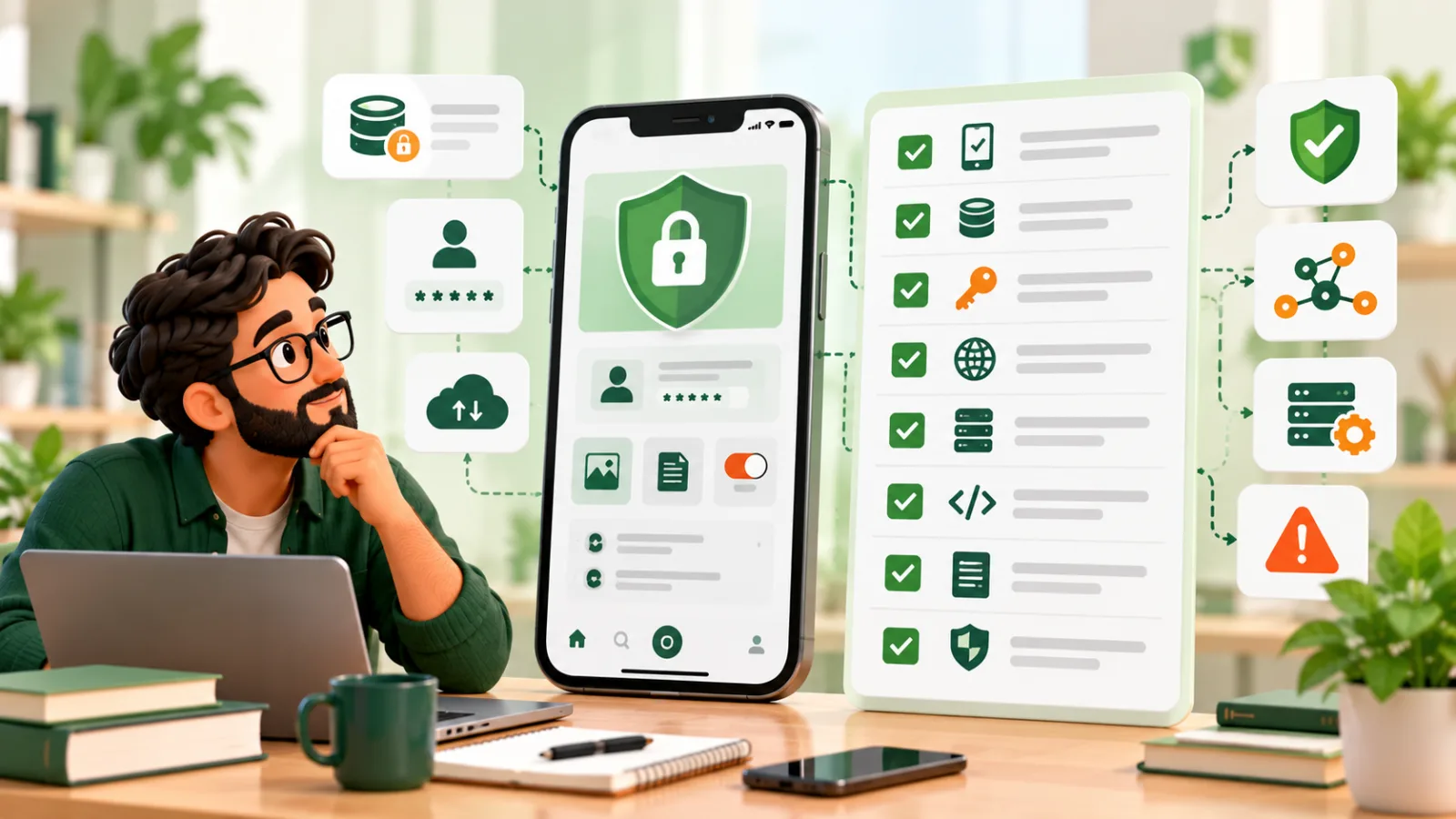
A mobile app security checklist should cover the application, its APIs, stored information, third-party dependencies, and the process for responding to an incident. Review security throughout development, then gather evidence that the important controls work before release.
The 20 checks below are a planning aid, not a certification or a complete assessment for every risk profile. Use the OWASP Mobile Application Security Verification Standard and testing guide to plan deeper verification alongside your mobile development work.
Assign an owner and evidence to each security check
For each item, record the responsible person, the verification method, the result, and any unresolved issue. Include release configuration, representative user roles, recovery paths, and third-party services in the review. A checked box without evidence should not be treated as proof that a risk is controlled.
First, the mindset
Three principles underpin everything below.
- Never trust the client. Anything running on a user's phone can be inspected and changed. Important decisions, such as prices, permissions and payments, must be made on the server.
- Collect and keep less. Data you never store cannot be stolen. Every field you collect is a liability.
- Assume breach, limit damage. Design so that if one thing fails, the harm is contained: short-lived tokens, limited permissions, encrypted data.
Data storage on the device
1. Do not store sensitive data unless you must
Passwords, full card numbers and personal identifiers should not sit on the device. If you can fetch something from the server when needed, do that instead of saving it locally.
2. Use secure storage for what you do keep
Both iOS and Android provide protected storage for secrets such as tokens and keys: the Keychain on iOS and the Keystore on Android. Use those, not plain preferences files, local databases or unprotected text files. Cross-platform frameworks such as Flutter and React Native offer secure storage packages that wrap these features, and they should be the default for tokens and credentials.
3. Encrypt local databases and files that hold personal data
If the app caches user information offline, encrypt it. Remember that backups, screenshots and logs can also leak data, so review where information can end up.
4. Clear sensitive data on logout
When a user signs out, remove tokens, cached records and any sensitive files. Shared and resold devices are common.
Authentication and sessions
5. Use proven authentication, not your own
Rolling your own login system is risky. Use established standards and libraries, such as OAuth 2.0 and OpenID Connect, or a reputable identity service. Enforce reasonable password rules and protect against repeated guessing with rate limits and lockouts.
6. Offer strong sign-in options
Support multi-factor authentication where the data justifies it, and use device biometrics, such as fingerprint and face unlock, as a convenience layer over a secure login. Biometrics should unlock a securely stored credential, not replace server-side checks.
7. Keep sessions short and revocable
Use short-lived access tokens with refresh tokens, and make it possible to revoke access when a device is lost. Long-lived tokens stored carelessly are a common weakness.
Network communication
8. Use encrypted connections everywhere
All traffic between the app and your servers should use modern TLS. Never send credentials or personal data over plain connections, and do not ignore certificate errors during development and forget to re-enable checks in the release.
9. Consider certificate pinning for high-risk apps
Certificate or public-key pinning can restrict which server identities an app accepts, but it does not prevent every interception technique and can cause outages if rotation is not planned. Consider it against the threat model, platform guidance, backup pins, and recovery procedure rather than applying it automatically to every sensitive app.
10. Do not put secrets in the app
API keys, passwords and private keys embedded in the app can be extracted by anyone who downloads it. Anything that must stay secret belongs on your server. Keys that must be in the app, such as for maps, should be restricted by app identity and usage limits at the provider.
Backend and APIs
The app is only as safe as the server it talks to. Attackers often bypass the app entirely and call your API directly.
11. Authorise every request on the server
Check that the signed-in user is allowed to access each record they ask for. A common flaw is an endpoint that returns any order when given any order number, so one user can read another's data simply by changing a number in the request.
12. Validate all input on the server
Never rely on the app to validate data. Check types, lengths and formats on the server, and use safe database queries to prevent injection. Backends built with mature frameworks such as Laravel provide many of these protections by default when used as intended; we compare backend options in Laravel vs Node.js.
13. Rate limit and monitor
Limit how often a client can call sensitive endpoints, such as login, password reset and payments. Log unusual activity and alert on it.
14. Protect payments properly
Use a reputable payment provider so card details go directly to them and never pass through or sit on your servers. Confirm payments on the server, never trusting the app's claim that a purchase succeeded.
The app itself
15. Protect the code reasonably
Release builds should be compiled and minified, with debugging features and verbose logs removed. Obfuscation makes reverse engineering harder but never impossible, so treat it as a speed bump, not a defence, and never depend on it to protect secrets.
16. Detect risky environments where it matters
For banking, health or other high-risk apps, consider checks for rooted or jailbroken devices, debuggers and tampering. These add friction and false alarms, so apply them according to real risk.
17. Request the minimum permissions
Ask for camera, location, contacts or storage access only when needed, and explain why. Fewer permissions mean less exposure if the app is compromised, and more trust from users.
18. Vet third-party code
Libraries and SDKs run with your app's permissions. Each one is a potential weakness and a privacy question. Keep the list short, use well-maintained packages, update them regularly and review what data any analytics or advertising SDK collects.
Process and readiness
19. Test security before release
Include security in testing, not only functionality.
- Automated scans of code and dependencies for known vulnerabilities.
- Manual review of authentication, storage and API access.
- Penetration testing by an independent specialist for apps handling sensitive data.
- Checks against a recognised list. The OWASP Mobile Application Security project publishes widely used guidance and testing standards, a good yardstick for reviews.
20. Prepare for incidents and updates
Decide in advance what you will do if something goes wrong.
- A way to force users to update when a serious flaw is found.
- Monitoring and crash reporting so problems are noticed quickly.
- A contact for security reports and a process for responding.
- A plan to notify users and, where required, regulators.
- Regular updates for operating systems, libraries and the backend. Security is continuing work, as explained in software maintenance costs.
Privacy and compliance
Security and privacy overlap but are not the same. Privacy concerns what you collect and why, and what users agree to.
- Collect only what you need, and tell users clearly what you collect.
- Provide a privacy policy that matches what the app really does.
- Respect user choices, such as deletion requests and marketing preferences.
- Follow store rules. Apple and Google require privacy disclosures and have policies on data use.
- Know your obligations. Laws differ by country and sector, for example for health or children's data. We recommend confirming them with a qualified adviser and designing the app to match.
Sensitive sectors need extra care. Our page on healthcare software development describes the design considerations for health-related products.
A quick reference table
| Area | Key question |
|---|---|
| Storage | Is any sensitive data stored, and is it in secure storage? |
| Authentication | Do we use proven standards, with short-lived, revocable sessions? |
| Network | Is all traffic encrypted, with no secrets in the app? |
| API | Does the server authorise and validate every request? |
| Payments | Do card details go straight to the provider? |
| Code | Are release builds stripped of debug features? |
| Permissions | Do we ask only for what we need? |
| Dependencies | Are third-party libraries few, current and vetted? |
| Testing | Has security been tested independently? |
| Response | Can we force updates and respond to incidents? |
Common mistakes
- Hard-coding secrets in the app.
- Trusting the client for decisions about prices, roles or access.
- Storing tokens in plain preferences.
- Leaving test settings or debug logging in the release.
- Skipping server-side authorisation checks.
- Adding many SDKs without reviewing what they collect.
- Treating security as a final step rather than a thread through the project.
- No update mechanism for urgent fixes.
- Not testing with realistic attacks.
- Forgetting the backend, where most serious breaches happen.
Who is responsible?
Everyone. Product owners decide what data is collected and what risk is acceptable. Designers shape flows that avoid unnecessary exposure. Developers implement protections. Testers try to break them. A good development partner raises these questions early, rather than after launch. When you evaluate one, ask how they approach security; our guide to choosing a software development company includes questions that reveal this.
Final thoughts
Security work reduces specific risks; it does not establish that an application is perfectly secure or immune to attacks. Store less, trust the server rather than the phone, use proven authentication, encrypt traffic, test properly and plan for when something goes wrong.
If you are planning an app and want security built in from the start, talk to us. We will review your requirements, point out the risks that matter for your product and build the protections into the plan, not bolt them on at the end.